
Windows 11 January update fixes 114 flaws but breaks shutdowns, Remote Desktop—emergency patches deployed

GigaNectar Team

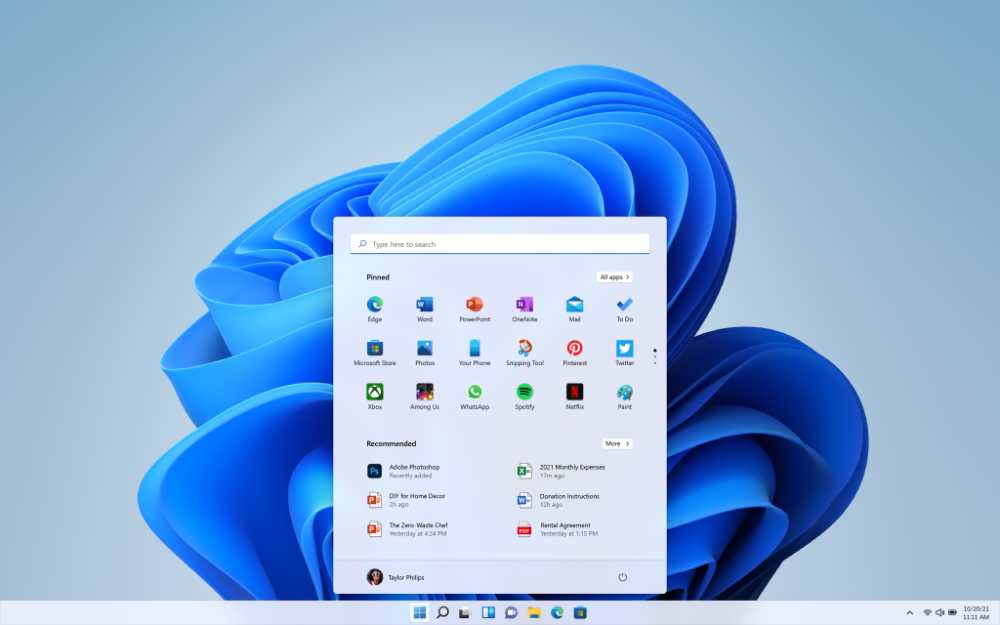
Windows 11 Start menu interface showing centered taskbar with colorful app icons and light theme design on desktop screen

Microsoft released its January 2026 Patch Tuesday security update (KB5074109) on January 13, 2026, addressing 114 security vulnerabilities including one actively exploited zero-day. While the update delivered critical security patches, it triggered multiple system failures affecting Windows 11 users across different versions. Remote Desktop authentication failures, shutdown bugs on devices with Secure Launch, and gaming performance drops on Nvidia GeForce GPUs forced Microsoft to issue emergency out-of-band updates within days.

The issues affected Windows 11 versions 24H2, 25H2, and 23H2, with enterprise environments facing Azure Virtual Desktop connection failures. Microsoft acknowledged the problems and released KB5077744 for 24H2/25H2 and KB5077797 for 23H2 on January 17, 2026. Several reported issues remain unpatched, including black screen glitches and Outlook Classic freezes affecting POP account users.

⚠️ Windows Security Update Status: January 2026

Critical Patches Released — Emergency Fixes Deployed

114
Security Vulnerabilities Patched
3
Zero-Days (1 Exploited)
2
Out-of-Band Updates Released
🔴
Remote Desktop Authentication Failure
After installing KB5074109, Remote Desktop connections failed during sign-in authentication. Affected Windows 11 versions 24H2 and 25H2 across multiple Remote Desktop applications including Windows App.
FIXED – KB5077744
🔴
Azure Virtual Desktop Connection Error
Enterprise users experienced authentication failure with error code 0x80080005 when connecting via Azure Virtual Desktop. This issue primarily affected managed IT environments and enterprise workstations.
FIXED – KB5077744
🔴
Shutdown Failure (23H2 Enterprise/IoT)
Windows 11 version 23H2 Enterprise and IoT editions with Secure Launch enabled restart instead of shutting down or hibernating. Secure Launch uses virtualization-based security to protect against firmware-level threats.
FIXED – KB5077797
🟡
Nvidia GPU Gaming Performance Drop
Users with Nvidia GeForce GPUs report 15-20 FPS drops in games after KB5074109 installation. Uninstalling the update or using system restore points restores performance.
UNDER INVESTIGATION
🟡
Outlook Classic POP Account Freeze
Classic Outlook with POP account profiles hang and freeze, preventing proper application exit and blocking normal system restart until process termination.
ACKNOWLEDGED – FIX PENDING
🟡
Black Screen Display Issues
Random black screen appears for seconds or minutes before cursor display. Desktop wallpaper resets to black background on some systems.
REPORTED – NOT ACKNOWLEDGED

Update Timeline & Resolution

January 13, 2026
Microsoft releases KB5074109 Patch Tuesday update with 114 security vulnerability patches, including 3 zero-day vulnerabilities (CVE-2026-20805 actively exploited).
January 13-16, 2026
Users report critical failures: Remote Desktop authentication errors, Azure Virtual Desktop connection issues, 23H2 shutdown bugs, Nvidia GPU performance drops, and Outlook Classic freezes.
January 17, 2026
Microsoft releases emergency out-of-band updates KB5077744 (24H2/25H2) and KB5077797 (23H2) addressing Remote Desktop, Azure Virtual Desktop, and shutdown failures.
January 19, 2026
Emergency fixes available via Windows Update and Microsoft Update Catalog. Nvidia GPU performance issues and Outlook freezes remain unresolved.

How to Install Emergency Out-of-Band Updates

1
Identify Your Windows Version
Press Windows Key + R, type “winver” and press Enter. Check if you’re running Windows 11 version 23H2, 24H2, or 25H2.
2
Check Windows Update
Navigate to Settings > Windows Update > Check for updates. The out-of-band updates should appear automatically for affected systems.
3
Manual Download Option
For Windows 11 24H2/25H2: Download KB5077744 from Microsoft Update Catalog to fix Remote Desktop and Azure Virtual Desktop authentication failures.

For Windows 11 23H2: Download KB5077797 from Microsoft Update Catalog to fix Secure Launch shutdown failures.
4
Temporary Shutdown Workaround (23H2)
If shutdown fails before update installation, open Command Prompt (search “cmd” in Start menu, right-click, select “Run as administrator”) and execute:
shutdown /s /t 0
This forces immediate shutdown bypassing the Secure Launch restart loop.
5
Nvidia GPU Performance Issue Workaround
For FPS drops with Nvidia graphics cards, use System Restore to revert to pre-KB5074109 state, or uninstall KB5074109 via Settings > Windows Update > Update history > Uninstall updates while awaiting official patch.
6
Azure Virtual Desktop Temporary Fix
Enterprise users can temporarily access Azure Virtual Desktop via web browser client at client.wvd.microsoft.com until KB5077744 installation.

The January 2026 Windows 11 security update cycle addressed 114 vulnerabilities through KB5074109 while introducing system failures requiring emergency out-of-band patches. Microsoft deployed KB5077744 and KB5077797 to resolve Remote Desktop authentication failures, Azure Virtual Desktop connection errors, and Secure Launch shutdown bugs affecting Enterprise and IoT editions.

The update timeline covered issues from January 13 through January 19, 2026, with fixes available through Microsoft Support channels and the Update Catalog. Nvidia GPU performance degradation and Outlook Classic POP account freezes remain under investigation without confirmed resolution dates.

Leave a comment