
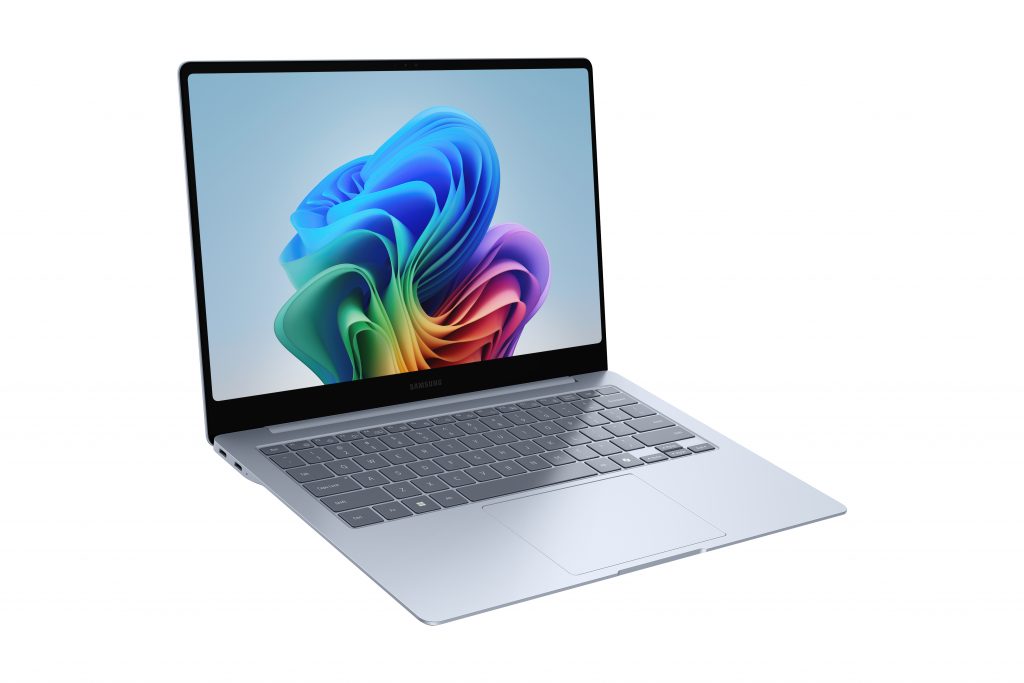
Windows Finally Lets You Own Your Restarts — Here’s What Changed
For years, Windows users have lost work, interrupted calls, and missed deadlines because an update decided to kick in at the worst possible moment. Microsoft has now addressed these complaints directly. In a blog post published April 24, 2026, Windows Insider team author Aria Hanson confirmed that after reading over 7,621 pieces of direct user feedback, Microsoft is rolling out concrete changes to how Windows handles updates — starting with the Dev Channel and the new Experimental channel.
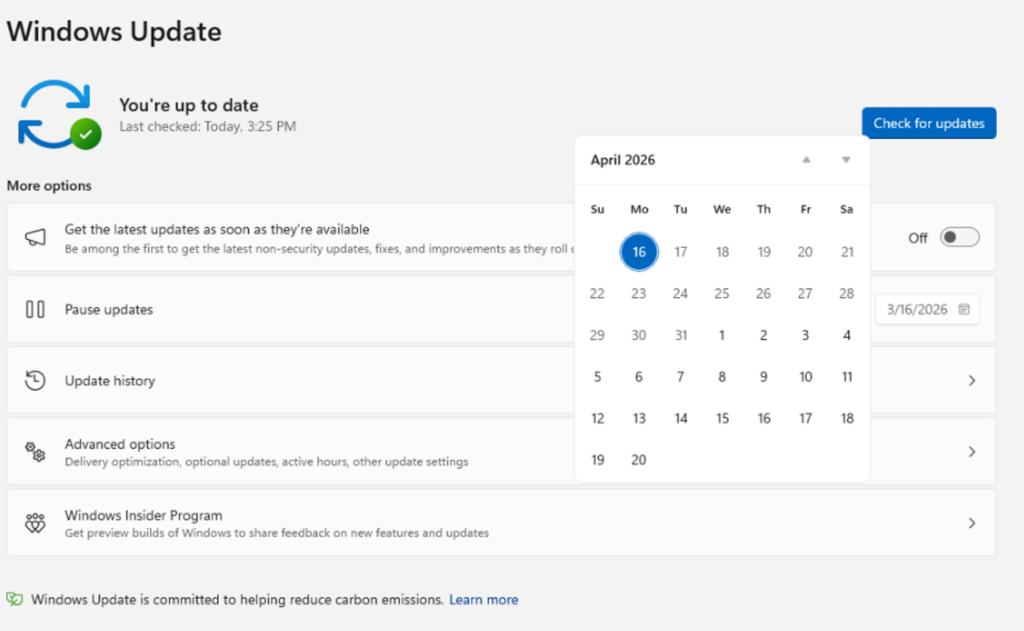
The changes span four areas: skipping updates during setup, pausing updates indefinitely in 35-day blocks, restarting or shutting down without triggering an update, and a clearer view of what updates are pending. These are addressed alongside Microsoft’s ongoing work under its Secure Future Initiative — which continues to drive improvements to how fast and reliably security updates are delivered.
Four Changes, One Goal: Updates on Your Clock
Microsoft’s official Windows Insider Blog post breaks the rollout into four buckets — more control, fewer disruptions, improved security reliability, and a cleaner power menu. Use the tabs below to explore each one.
Explore the New Windows Update Controls
“Disruption caused by untimely updates and not enough control over when updates happen.”— Aria Hanson, Windows Insider Team, Microsoft Blog, April 24, 2026
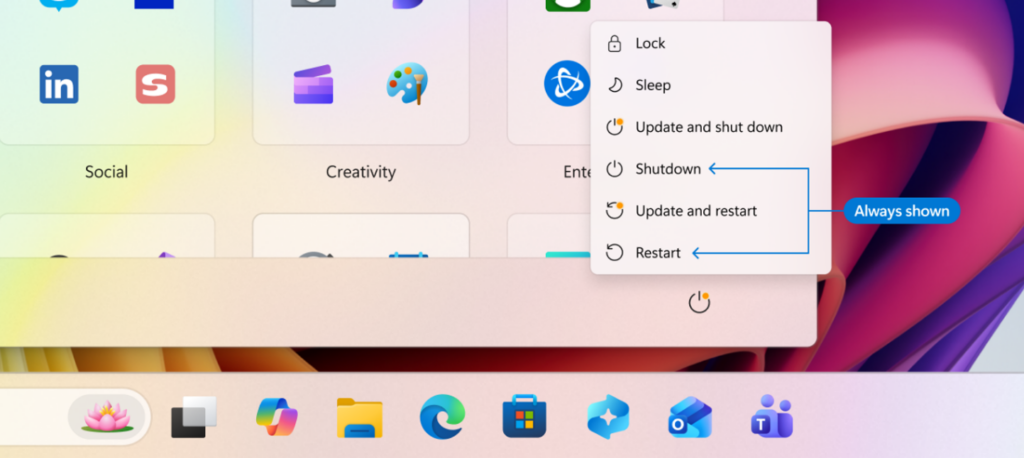
One of the most requested changes: the ability to simply shut down or restart without triggering an update. The new power menu cleanly separates power actions from update actions, giving you four explicit options at all times. When you pick Restart or Shut Down, Windows does exactly that — no update install in the background. After restart, Windows will also attempt to restore previously open apps faster.
“Restarting or shutting down your PC should always be simple, predictable, and on your terms – even with updates waiting to be installed.”— Microsoft Windows Insider Blog, April 24, 2026
Multiple reboots per month — one for a driver update, another for .NET, another for firmware — have been a recurring complaint. Microsoft is now coordinating all of these with the monthly Windows quality update, targeting a single monthly restart for most retail users. Windows Insiders on Experimental and Beta channels will still see weekly updates; retail users not opted into early tracks will see monthly reboots.
More control over update timing comes alongside continued improvements in how reliably updates install. These are part of Microsoft’s Secure Future Initiative. Microsoft still recommends taking security updates shortly after release — the new pause and delay tools are for convenience, not for avoiding updates indefinitely.
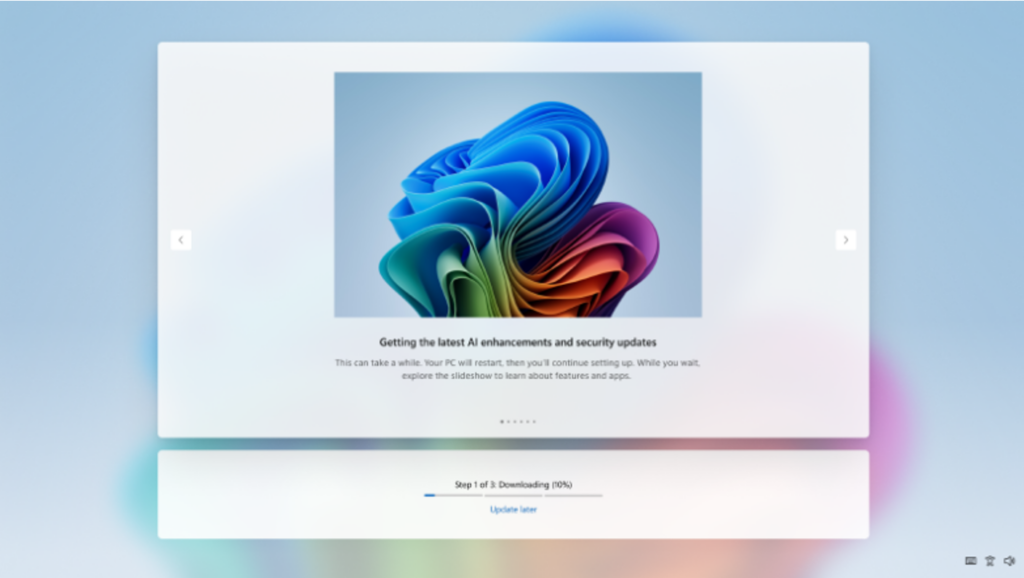
The changes were described by Aria Hanson as a direct result of user feedback. Two themes came through consistently across the 7,621 feedback items reviewed: updates disrupting work at the wrong time, and not having enough say over when they happen. For anyone tracking Microsoft’s recent direction on AI and platform development, this update sits alongside a broader push — covered in our piece on the SpaceX Cursor acquisition that Microsoft passed on — where platform control and user agency are increasingly central to how Microsoft is positioning Windows.
The rollout currently applies to the Dev Channel and the new Experimental channel of the Windows Insider Program. For the Experimental and Beta channels, weekly updates will continue. Retail users not opted into early update tracks will move to monthly reboots under the unified update schedule. Microsoft has not confirmed a date for when these changes will reach the stable, shipping version of Windows 11 or commercial customers.
What Was Covered
This piece covered the Windows Update changes announced by Microsoft on April 24, 2026, through the Windows Insider Blog. The four changes — update pause controls, OOBE skip, power menu separation, and a unified monthly restart schedule — were discussed as rolling out first to the Dev Channel and Experimental channel. The piece also covered the automatic recovery feature for failed installs and the addition of device class labels to driver update titles. Microsoft noted that details for stable-channel users and commercial admins will follow.
For more on what’s happening across the AI and tech space alongside this Windows update, see recent coverage on OpenAI GPT-5.5 and agentic coding, and the Xiaomi MiMo v2.5 Pro open-source AI rankings.