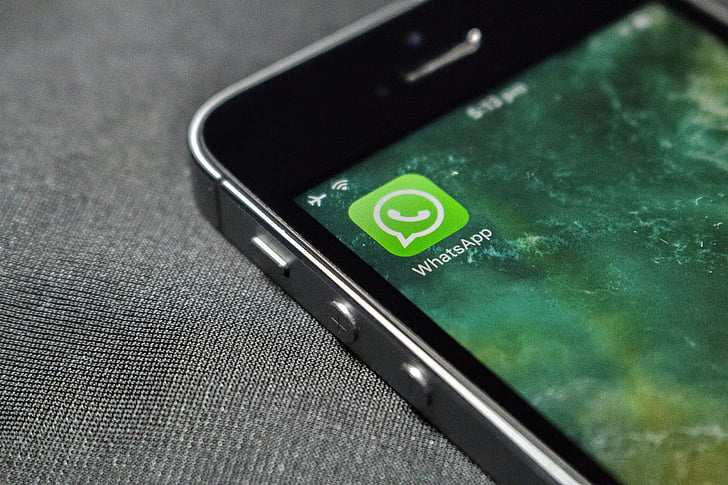
WhatsApp Web customisation — what’s confirmed, what’s coming, and what’s still unknown
WhatsApp Web has offered little more than a light mode and a dark mode for years. That is set to change.
According to WABetaInfo on X,
Meta is actively developing a chat themes system for WhatsApp Web that will bring 49 color and wallpaper presets to the browser-based client.
Mobile users have had access to chat themes for some time already. The Web feature is still in development and is expected to reach beta testers before any wider rollout.
WhatsApp’s desktop and mobile clients have been picking up steady updates. For related cross-platform tech coverage, see our reports on
Apple’s iOS 26.4.1 iCloud sync fix
and Microsoft Copilot’s interface overhaul.
49
Chat theme presets in development for WhatsApp Web
7
Blue variations — Default, Tonal, Minimal, Sky, Sky Tonal, Royal, Royal Tonal
38
Theme colors already live on WhatsApp mobile (iOS & Android)
0
Other chat participants can see your theme — it stays private to you only
Interactive Preview
Pick a Theme. See It Live.
A representative demo of how WhatsApp Web themes will work — select a color family and the chat window updates in real time.
Have you seen the new WhatsApp Web themes?
Just testing them now — pretty nice 👀
Does anyone else in the chat see your theme?
Nope — totally private. Only I see it 🎨
WABetaInfo — Feature Screenshot
Feature Breakdown
What’s Actually Changing on WhatsApp Web
Tap each item for confirmed details on what Meta is building.
Rollout Path
Where Things Stand Right Now
This feature is in active development. No public release date has been given by Meta or WhatsApp.
April 2026 — In Development
Chat themes for WhatsApp Web are confirmed in development by
WABetaInfo, with 49 theme options visible in internal testing. Meta has made no public announcement.
Next — Beta Rollout
WhatsApp typically releases new features to a limited group of beta testers first — the same process followed for mobile chat themes on iOS and Android. For staged rollout context, see our
Apple CarPlay Ultra rollout coverage.
Later — Stable Release
After beta validation, the feature is expected to reach the stable release for all users. No timeframe has been given for this stage.
Unknown — Cross-Device Sync
Key Details
Four Confirmed Facts
Everything known from WABetaInfo’s reporting — nothing speculative added.
🎨
49 Theme Options
49 presets in total, including the default. Many are subtle color variations — seven blue-based options alone, from Default Blue to Royal Blue Tonal.
💬
Per-Chat or Global Default
Set one theme globally for all chats, or assign a different theme to individual conversations — minimal for work, more vibrant for personal groups.
🔒
Only You See It
Themes are private. Other participants see no change to their interface. Confirmed by
WABetaInfo.
🌐
Web Client Specific
This update targets WhatsApp Web — the browser-based client. Mobile themes have been available on iOS and Android since before 2025. Web is now following.