
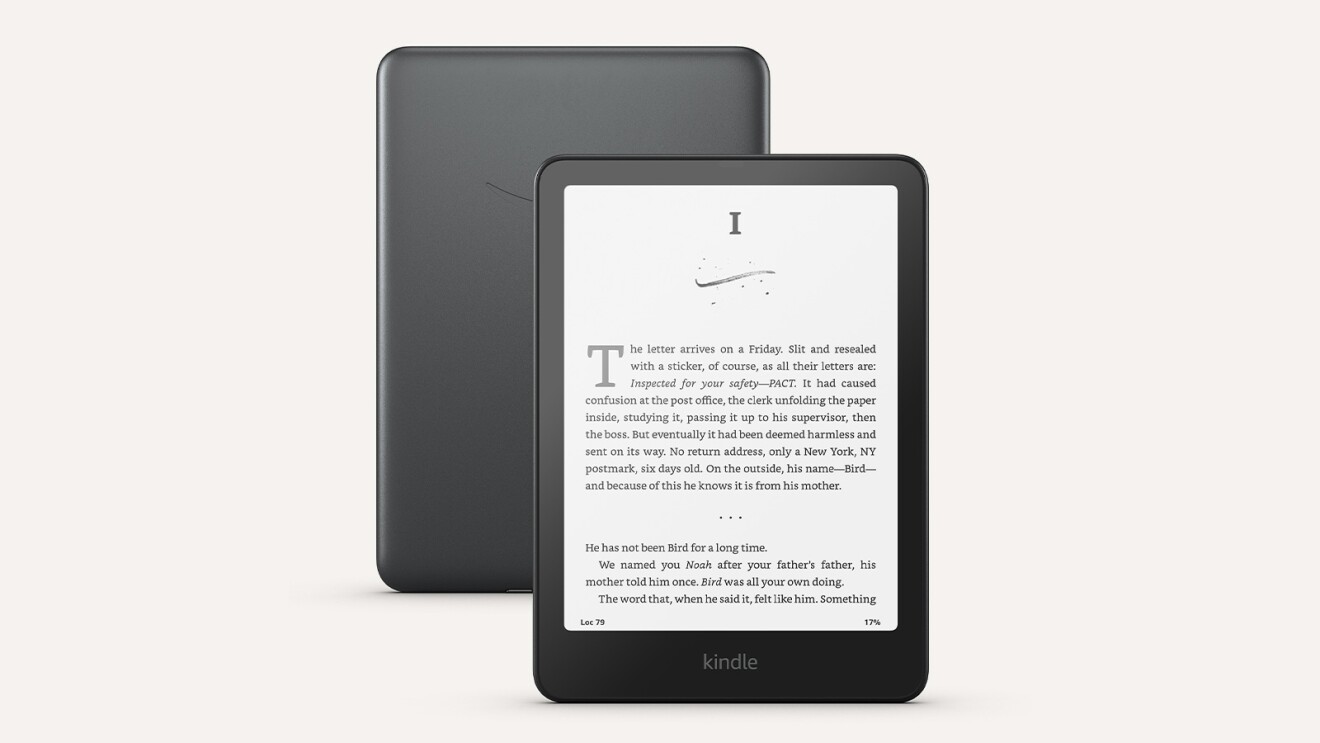
Microsoft Discontinues Send to Kindle in Word
Microsoft announced it will discontinue the Send to Kindle feature in Microsoft Word starting February 9, 2026, marking the end of a short-lived integration that allowed users to transfer documents directly to their Kindle library. The feature, which launched in April 2023 as a partnership between Microsoft and Amazon, will be fully removed by March 9, 2026.
According to Microsoft’s official support documentation, the discontinuation affects all platforms where the feature was available, including Windows desktop, Mac, and the web version of Microsoft Word. The feature required a Microsoft 365 subscription and was particularly valuable for Kindle Scribe users who could annotate documents directly on their e-ink tablets.
📅 Timeline of Events
Amazon announced the Kindle Scribe on September 28, 2022, with availability starting November 30, 2022. The device featured a 10.2-inch display and stylus functionality designed for reading and note-taking.
Microsoft rolled out the Send to Kindle feature for Word on Windows and Mac, approximately five months after the Kindle Scribe release. The feature allowed users to send documents in two formats: “Like a Kindle book” with adjustable fonts, or “Like a printed document” with fixed layouts.
After initial rollout to Windows users, the feature became available across desktop platforms for Microsoft 365 subscribers, with web version support coming later.
Amazon discontinued the ability to download Kindle ebooks to desktop computers via USB transfer, a move that affected users who relied on this feature for backing up their libraries.
Microsoft quietly updated its support documentation to announce the feature’s retirement, stating the intention to “streamline Microsoft Word and focus on core productivity features.”
Following backlash from the USB download removal, Amazon announced that starting January 20, 2026, users can download DRM-free Kindle books as EPUB or PDF files, though this requires publisher opt-in for each title.
The feature stops being accessible through Word’s export menu across all platforms including Windows, Mac, and web versions.
Complete removal of the Send to Kindle integration from Microsoft Word. Documents already sent to Kindle devices remain accessible, but no new transfers are possible through Word.
Key Statistics
Who’s Affected?
Kindle Scribe Users
The most affected group, as the feature was specifically designed for seamless document annotation and review on the e-ink tablet released in late 2022.
Professional Users
Business users who sent reports, contracts, and professional materials to Kindle for distraction-free reading on e-ink displays.
Casual Readers
Users who preferred reading documents on e-ink screens instead of computer monitors to reduce eye strain during extended reading sessions.
Alternative Ways to Send Documents to Kindle
The official Amazon Send to Kindle website allows you to upload .doc and .docx files directly from your browser.
- Visit amazon.com/sendtokindle
- Sign in with your Amazon account credentials
- Upload your document (maximum 200MB file size)
- Select your target Kindle device from the list
- Document appears in your Kindle library within minutes
Desktop applications are available for Windows and Mac operating systems, providing a dedicated tool for document transfers.
- Download the app from Amazon’s official page
- Install and sign in with your Amazon account
- Right-click documents to send directly to Kindle
- App integrates with your file system for easy access
Send documents as email attachments to your Kindle email address from approved email accounts.
- Go to Manage Your Content and Devices
- Navigate to Preferences → Personal Document Settings
- Add approved email addresses to your list
- Find your Kindle email address (format: username@kindle.com)
- Email documents as attachments from approved addresses
Directly copy files to Kindle devices via USB cable connection for offline transfer without internet requirement.
- Connect your Kindle to computer using USB cable
- Kindle appears as external storage device
- Open the “documents” folder on the Kindle
- Copy Word files directly to this folder
- Safely eject Kindle and documents appear in library
Use Kindle apps on iOS and Android for manual document uploads from mobile devices.
- Install Kindle app from App Store or Google Play
- Sign in with your Amazon account
- Use the app’s import function for documents
- Documents sync across all your Kindle devices
Understanding the Broader Context
This discontinuation occurs during a period of significant changes in the Kindle ecosystem. In February 2025, Amazon removed the Download & Transfer via USB feature that allowed users to download ebooks to desktop computers. Following backlash, Amazon announced in December 2025 that starting January 20, 2026, it will allow downloads of DRM-free ebooks in EPUB and PDF formats, though this requires publishers to explicitly opt-out of DRM for each title.
The company also closed loopholes that allowed ebook sharing across domains and introduced new DRM protections. However, industry analysts note that the Send to Kindle feature removal appears to be Microsoft’s decision rather than Amazon’s, as it specifically affects the Word integration while Amazon’s own Send to Kindle services continue operating normally.
What Made the Feature Special
The Send to Kindle integration preserved complex formatting through fixed layouts, ensuring documents appeared on Kindle devices exactly as designed. Users could choose between two formats: “Like a Kindle book” with adjustable font sizes and page layouts, or “Like a printed document” that preserved page layouts and text formatting.
Microsoft stated in its official support documentation that the decision aims to “streamline Microsoft Word and focus on core productivity features.” The company has not disclosed specific reasons for discontinuing the feature, though low adoption rates likely influenced the decision based on internal analytics.
For more technology updates, see our coverage of AMD’s performance at CES 2026 and the latest Razer audio innovations.
What Happens Next
Documents already sent to Kindle devices will remain accessible after the February 9, 2026 shutdown date. Users who currently rely on the Send to Kindle feature in Word should transition to alternative methods before the deadline to avoid workflow disruptions.
The feature’s discontinuation was covered as part of Microsoft’s broader strategy to streamline Word’s functionality. For those interested in device compatibility and mobile technology developments, related coverage includes keyboard-integrated smartphone designs at CES 2026.
Take Action Before February 9, 2026
Current users should update workflows to use Amazon’s Send to Kindle website or apps. No immediate action required for documents already sent.
Visit Send to Kindle →The feature lasted less than three years from its April 2023 launch to the February 2026 shutdown. Microsoft Word files already uploaded to Kindle remain unaffected by the discontinuation. Users can still upload .doc and .docx format files using Amazon’s official Send to Kindle services.